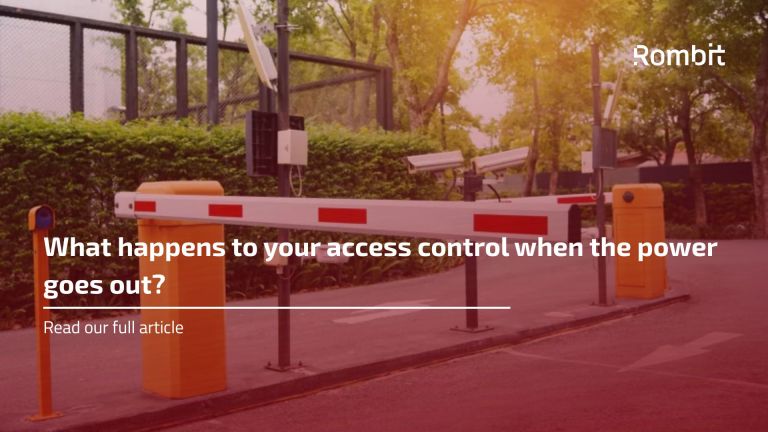


What happens to your access control when the power goes out?
Power failures are probably not the first thing you think about when designing access control for an industrial site. According to Hans Dufour, perimeter and industrial access control specialist at Rombit, they are not usually high on the list of questions customers ask either.
“It’s something that is easily overlooked, simply because most of the time everything works. But when the power does go out, you suddenly need to know exactly what your gates and access control are going to do.”
And there is no single correct answer. A logistics site that needs to keep trucks moving has different requirements from a location where operations can safely stop during an outage. A main entrance, an emergency access route and a gate protecting a restricted area may all need to behave differently.
That’s why Hans prefers to start with a practical question: what do you actually want to keep working?
Keeping the gate running is only part of the job
Battery backup is one of the obvious options. Depending on the installation and the required autonomy, batteries can keep barriers, speedgates and access control equipment operational when the normal power supply disappears.
But keeping power on the barrier itself doesn’t necessarily solve the problem.
“A barrier can still go up and down, but that doesn’t help much if the badge reader or the controller telling it when to open has stopped working.”
A typical entrance can involve badge readers, controllers, ANPR cameras, intercoms, vehicle detection and network equipment. Which components need backup depends on how the entrance is supposed to function during an outage.
If normal access has to continue, the whole chain needs to be considered. If the only requirement is that people can leave safely or emergency services can enter, a much simpler solution may be enough.
What if the access control system loses its connection?
Power is only one dependency. Access control systems increasingly communicate with central software and other systems across the site. Losing that connection shouldn’t necessarily mean losing access control altogether.
Systems can be selected or configured so that essential functions continue locally. A local controller can retain the information it needs to decide who is allowed through, for example, while access events can be stored locally and sent to the central system when the connection returns.
“For the person presenting a badge, nothing necessarily has to change. They badge in, the system checks their access locally and the gate opens. The data can be synchronized afterwards.”
This can be particularly useful on sites where access needs to continue even when parts of the IT or network infrastructure are temporarily unavailable.
Sometimes the gate just needs to open one more time
There are also situations where keeping everything running isn’t necessary at all.
Some speedgates, for example, can store enough energy to complete one final opening cycle when power is lost. It is a relatively simple feature, but one that can make a big difference during an emergency.
“Sometimes you don’t need the gate to keep opening and closing for another two hours. You just need to know that, if something happens, you can get it open one last time.”
That final movement can turn a closed gate into an emergency exit or clear an entrance for the fire brigade or other emergency services.
It also illustrates why backup access control isn’t simply a question of adding a battery. The solution should follow what the site actually needs.
Should a gate open or stay closed?
This brings Hans to another question that needs to be answered during the design phase: what should happen when a system fails?
From a security point of view, keeping a gate closed can seem like the logical choice. But that may conflict with evacuation requirements or access for emergency services. For some entrances, and in some scenarios, opening the gate can be the safer option. Elsewhere on the same site, keeping an access point secured could remain the priority.
“People sometimes ask whether a gate should fail open or fail closed. My first question is always: which gate, and what is behind it? You can’t answer that for an entire site in one go.”
Pedestrian exits, truck entrances and access points to sensitive areas serve different purposes. Their behaviour during a failure should reflect that.
Look at the complete entrance
This is also why Hans advises looking beyond the most visible part of an access control installation.
The barrier or speedgate gets most of the attention because that’s what people see moving. In reality, it’s just one component in a larger process. Power, controllers, readers, detection systems, communications and the physical gate all depend on each other to some degree.
Before deciding on backup systems, Hans therefore looks at how an entrance is used in practice. Does traffic need to continue during an outage? For how long? Which gates need to remain secured? Which ones need to provide an escape route? Can emergency services get in? And what happens if power and network connectivity disappear at the same time?
The answers can be quite different from one site to another.
“You don’t necessarily need to keep everything running. You need to keep the right things running.”
That distinction can make the solution both simpler and more reliable.
Most importantly, these decisions need to be made while everything is still working normally. A power failure is a bad time to discover that a barrier, controller and emergency procedure don’t behave together the way you expected.
Losing power may sometimes be unavoidable. Losing all security and control together with it doesn’t have to be.